Whether you missed the live event or want to rewatch the workshop, all of our live events are recorded and available as replays.
If you purchase a workshop before the live event, the replay will automatically be added to your content library within 24 hours after the livestream ends. This applies to all of our live workshops, so you’ll always have access to the recording once it’s uploaded.
How to Find and Watch the Replay:
- Sign in to your account at https://chriscorsini.com/account/login
- Navigate to the My Content section
- Select Workshops from 2026
- Choose the correct workshop section
We’ve redesigned your content library to make it easier to find and access your workshops. Past and current workshops are now clearly separated for a smoother, more intuitive experience.
You’ll see clear sections for:- Workshops from 2023 & 2024
- Workshops from 2025
- Workshops from 2026
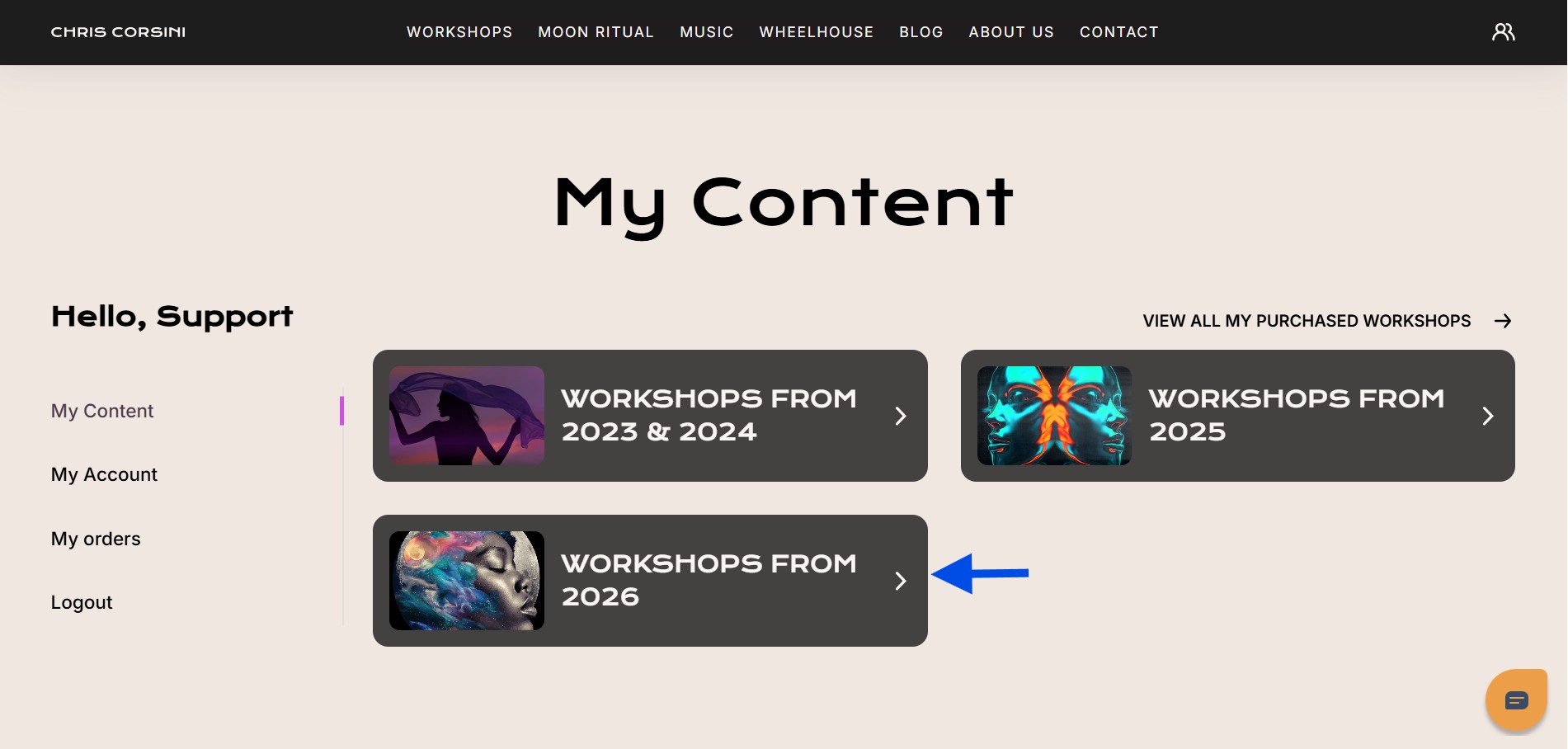
- Select Workshops from 2026, then choose the category that matches your purchase:
- Seasonal Workshops – Astrology-based events aligned with cosmic milestones like equinoxes and seasonal shifts
- Special Workshops – Focused sessions centered on powerful, energetic changes and manifestation themes
NOTE: Our Live Workshops are only the Seasonal or Special Workshops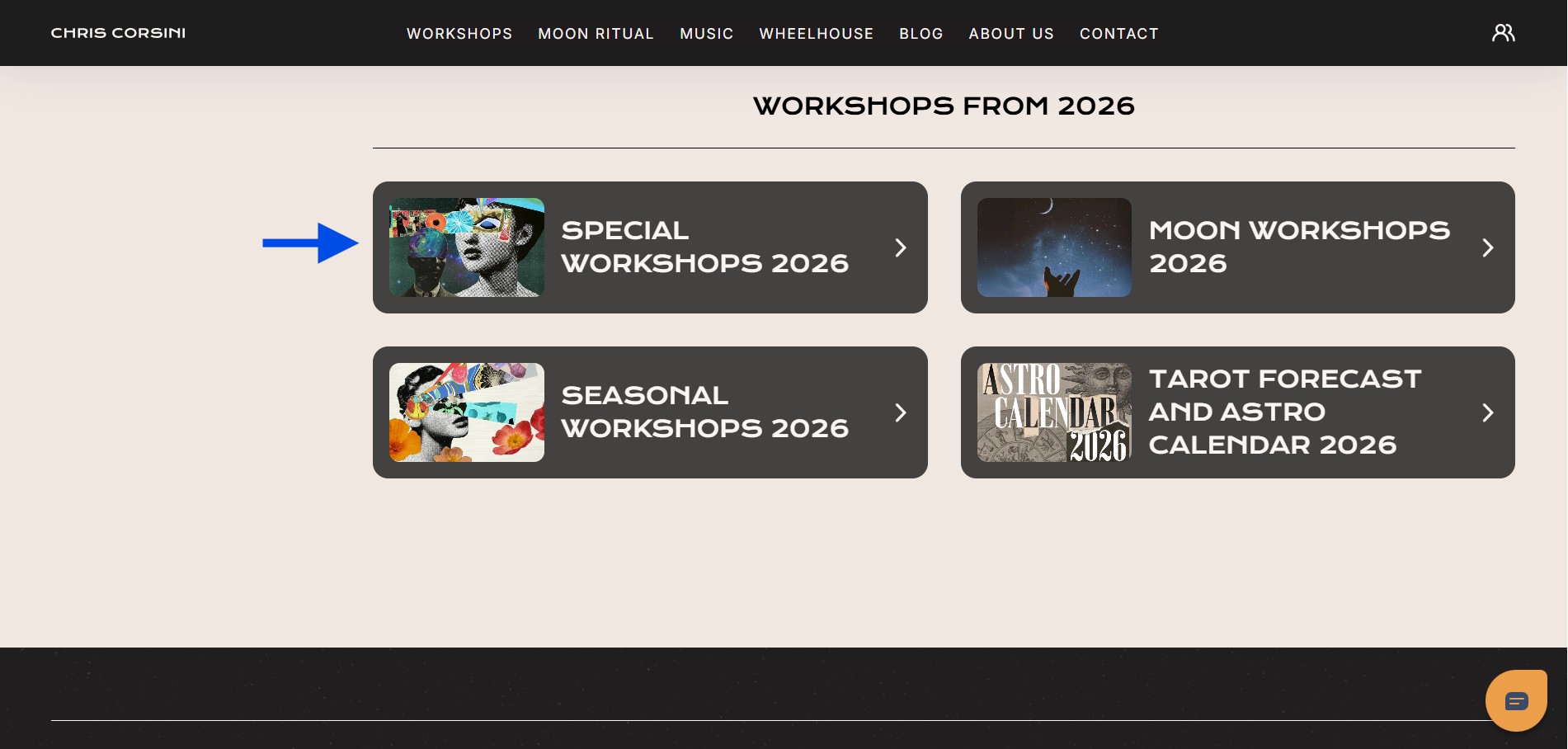
- Once inside the correct category, select the workshop you want to watch.
Before vs. After the Live Event
- Before the live event
You’ll see a tab that has the Pre-sale information PDF with the livestream link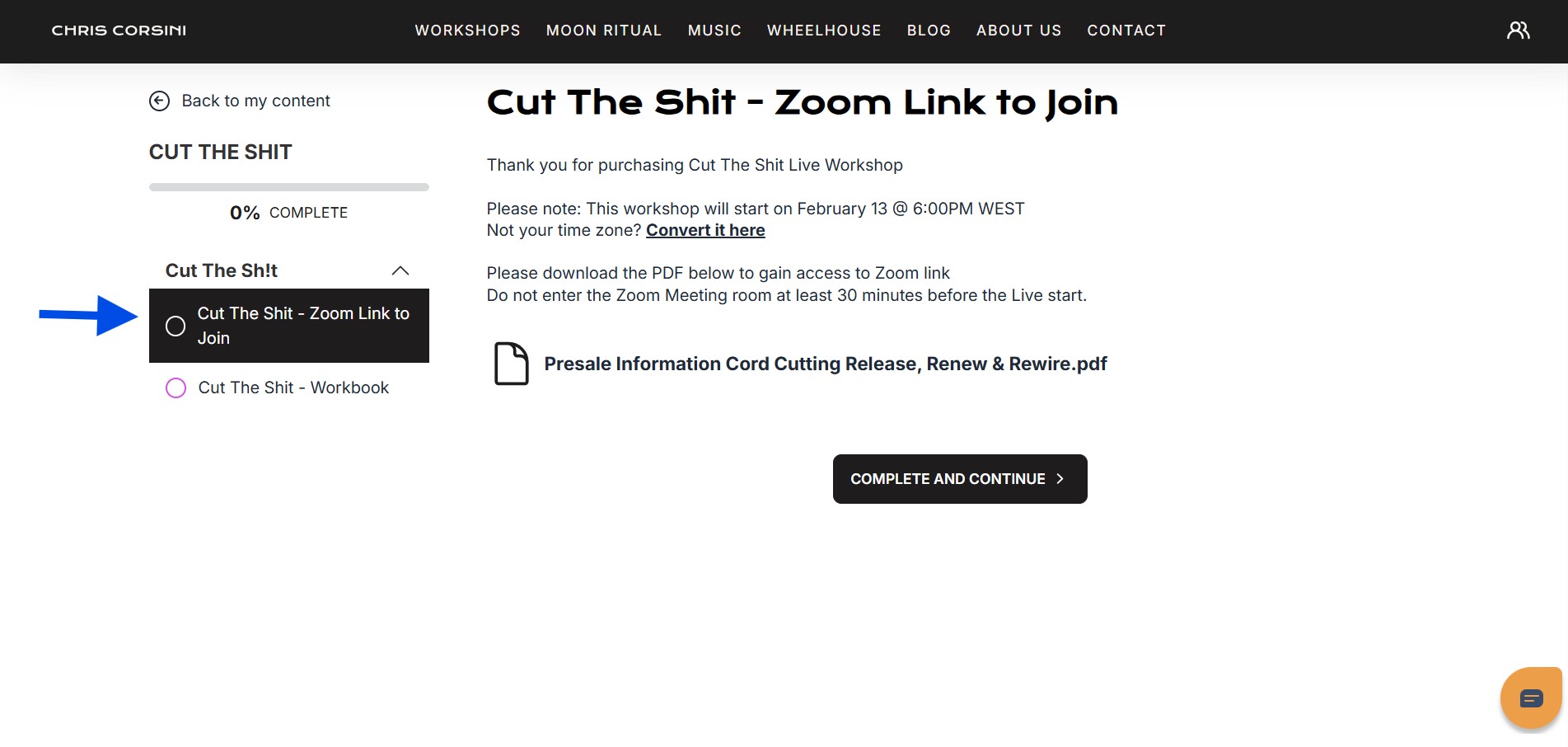
Watch the video on How To Join A Live Workshop - After the live event
The tab will be replaced with the workshop Recording tab, where you can stream the replay anytime.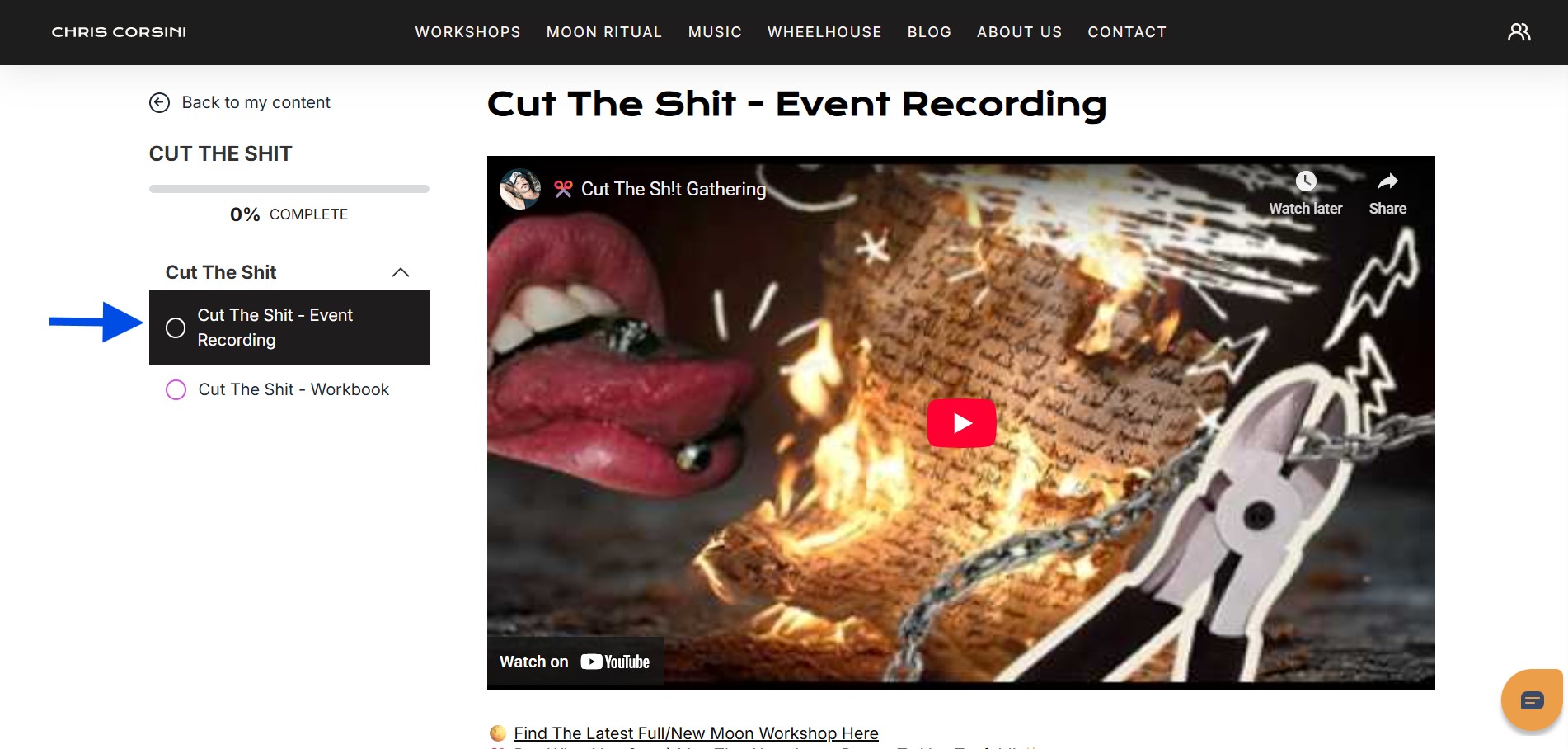
Please allow up to 24 hours for processing and uploading.
READ:
Why Is My Workshop Not Showing In My Orders or Content Library?
Why Am I Asked To Purchase Again When I Already Paid
If you run into any issues or don’t see the replay in your account, our Customer Support Team is here to help!
Was this article helpful?
That’s Great!
Thank you for your feedback
Sorry! We couldn't be helpful
Thank you for your feedback
Feedback sent
We appreciate your effort and will try to fix the article