Circle is the platform that hosts The Audacity Experiment community, where members connect, share, and engage through the Discussion Forum. It also serves as the space for occasional live, audience-participation experiences and workshops, such as our Collective Tarot Experience and other interactive events.
Whether you’re joining The Audacity Experiment community or participating in one of our live events, you’ll need a Circle account to access and participate.
If you already have a Circle account:
- Click this LINK to Sign in
- Enter the email address and password associated with your existing Circle account.
- Once signed in, you will be directed to The Audacity Experiment community space.
If you do not yet have a Circle account:
Step 1
Click this LINK to Sign Up
Step 2
You'll be taken to the Circle sign-in page.
Select your preferred sign-up method:
- Continue with Email
- Continue with Google
- Continue with Facebook
- Continue with X
Follow the prompts to create your free account.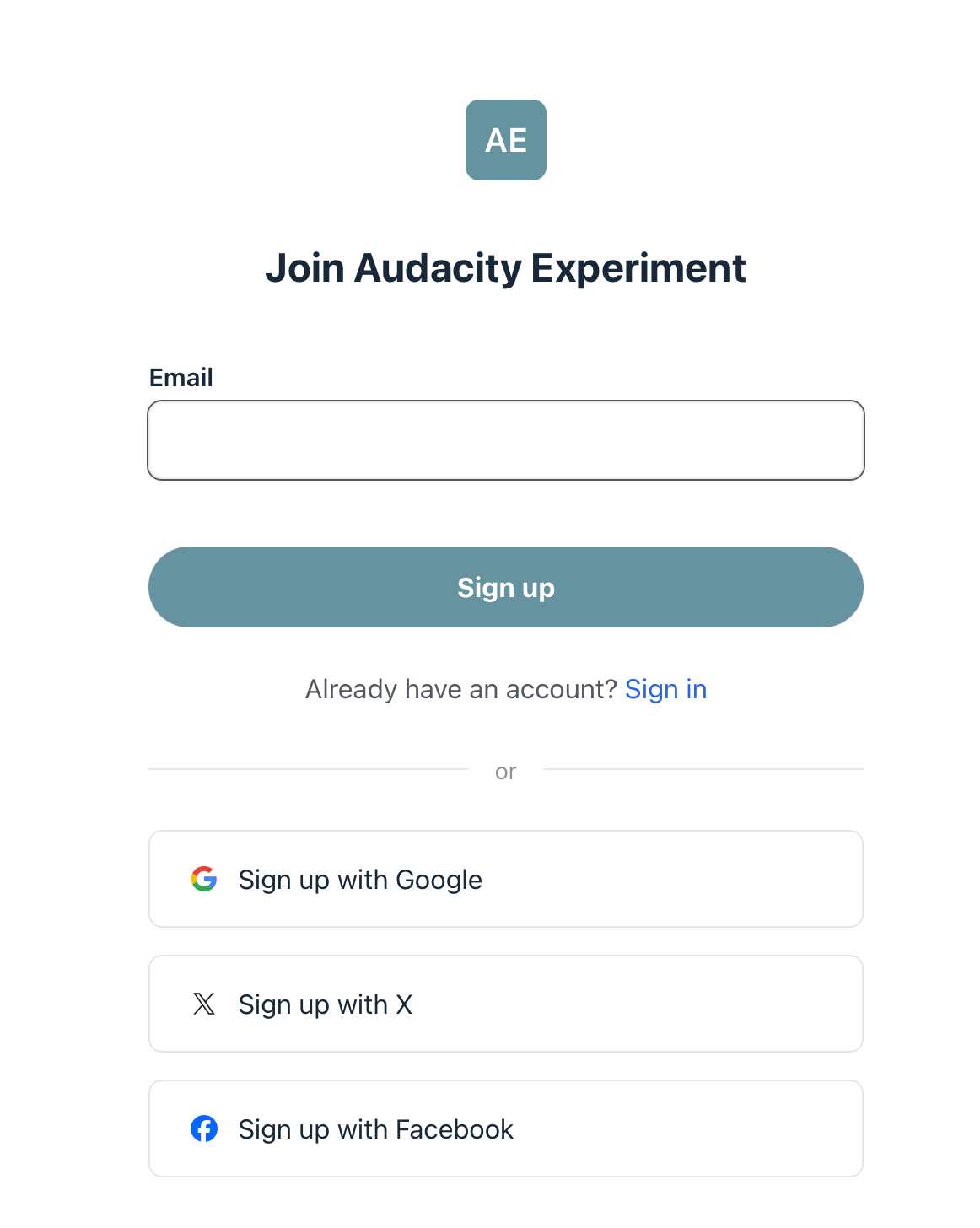
Step 3
Create your Circle profile if prompted and complete the registration process.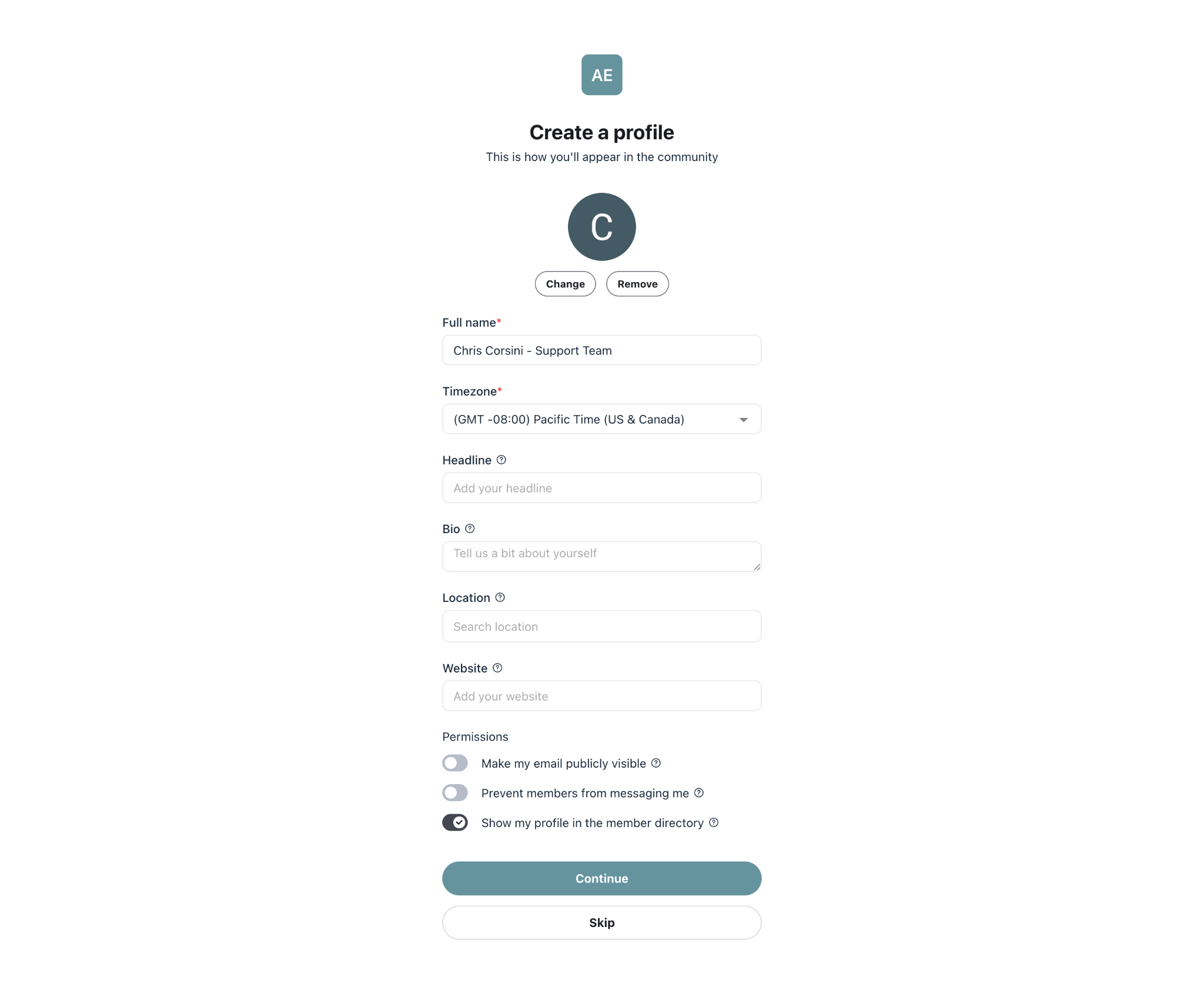
Step 4
Once you’re in, you’ll be directed to The Audacity Experiment community space.
From there, you can browse and watch the workshops you purchased through The Audacity Experiment and join our live gatherings.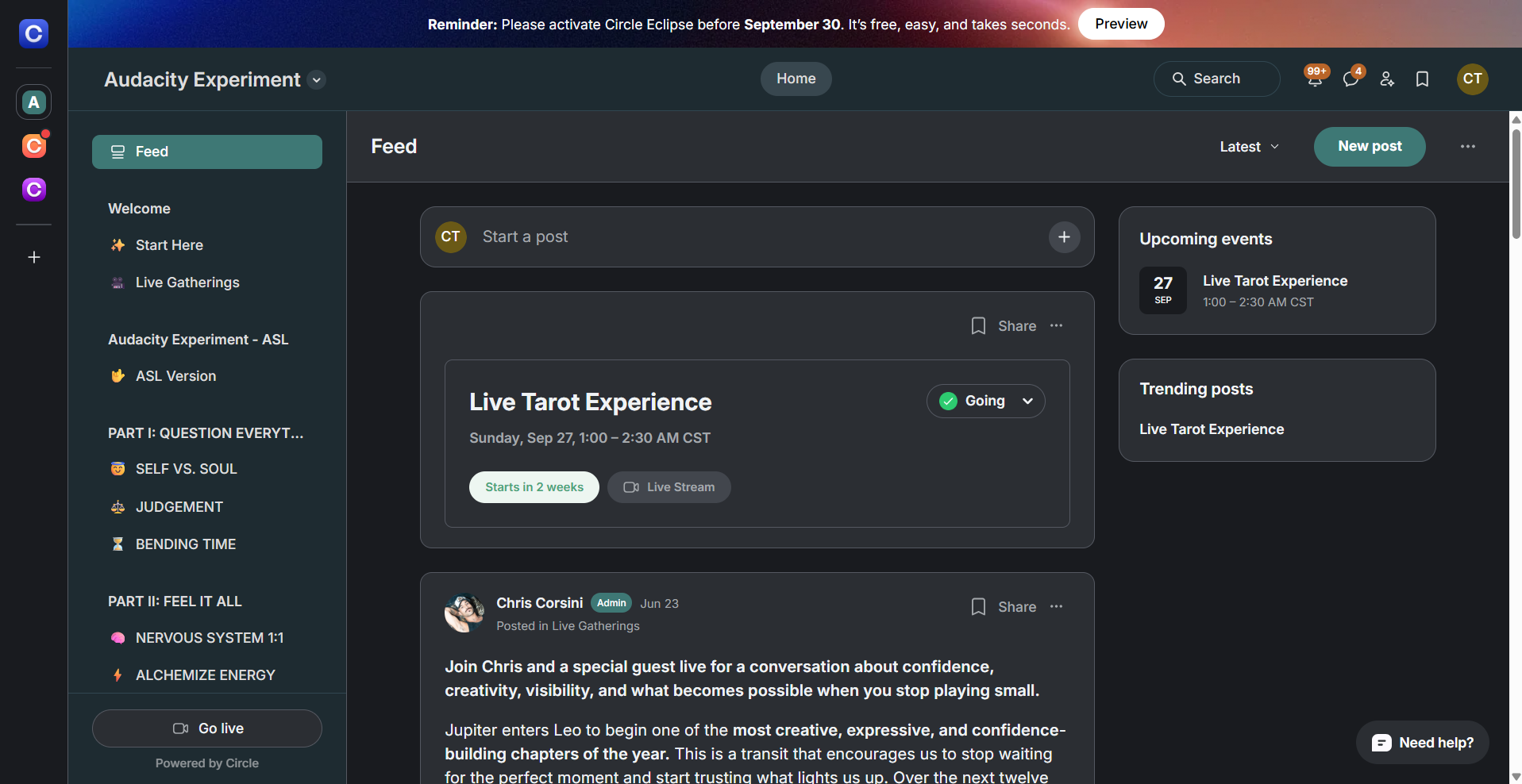
Troubleshooting
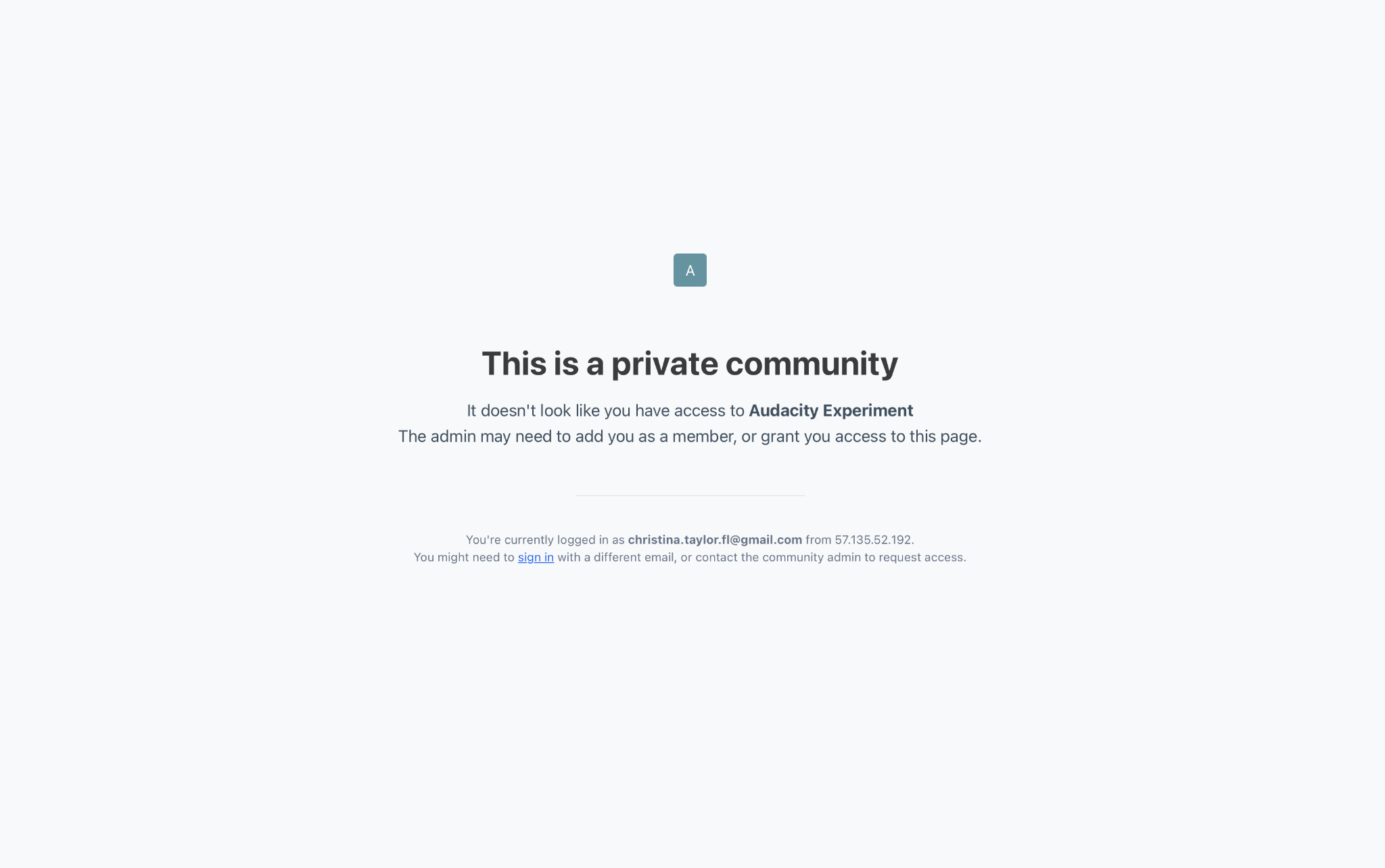
If you see this error message, please make sure you have:
- Created or logged into your Circle account
- Completed the registration process
Once these steps are complete, you should be able to access and watch the workshops and join the livestreams without issue.
Was this article helpful?
That’s Great!
Thank you for your feedback
Sorry! We couldn't be helpful
Thank you for your feedback
Feedback sent
We appreciate your effort and will try to fix the article