If you’ve already purchased a workshop but are being prompted to pay again, it’s usually because you’re not signed in to your account.
This can also happen if you click the link in your Workshop Welcome Email before logging in.
Step 1: Sign In to Your Account
- Go to https://chriscorsini.com/
- Click the People icon in the upper right corner of the website.
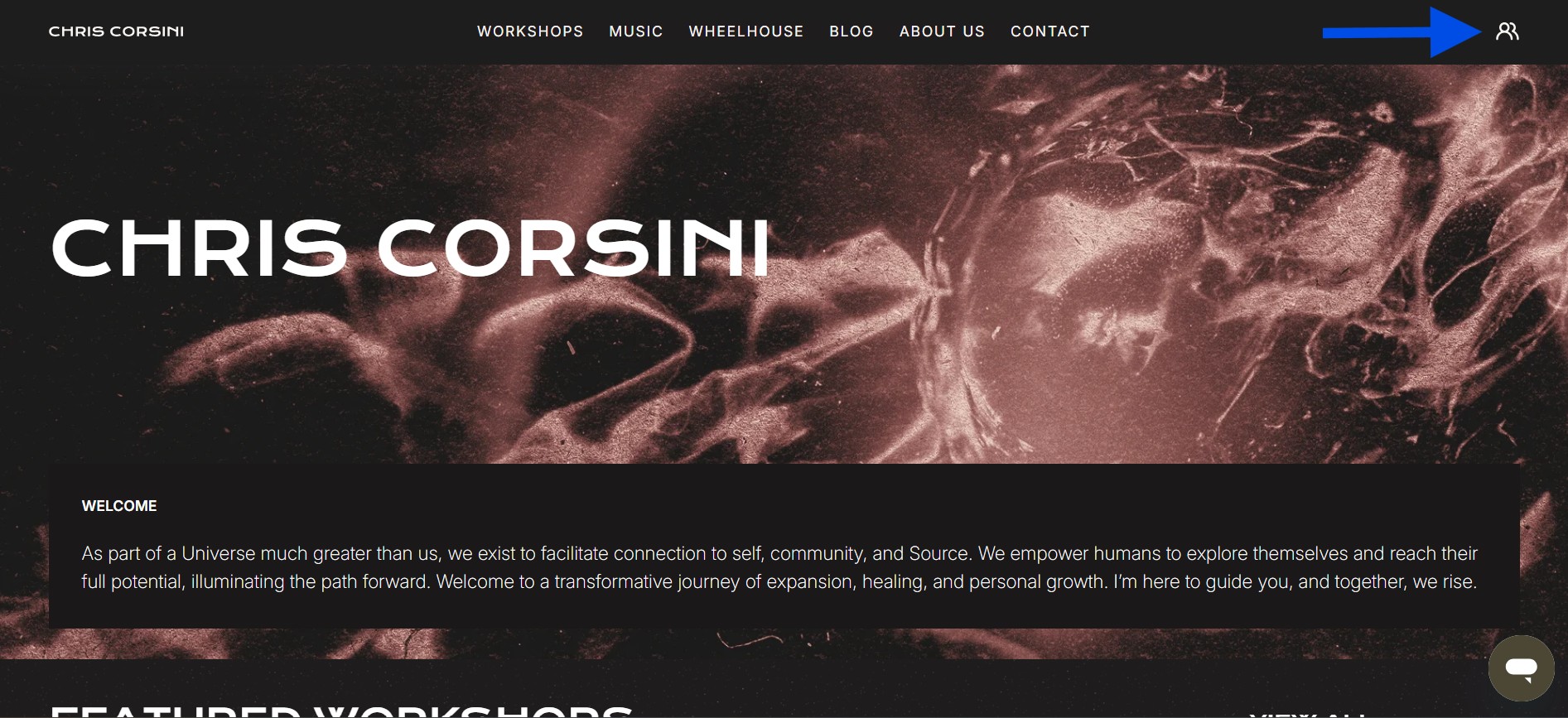
- Sign in using the same email address used for your workshop purchase.
Tip: Double-check that you’re using the correct email. The one that received your order confirmation and Workshop Welcome Email is where the workshop access is routed.
If you’ve received an Order Confirmation email but your workshop isn’t appearing in My Orders or My Content, you may have accidentally created a duplicate account.
Learn how to fix a duplicate account here ➤ How Can I Merge A Duplicate Account?
Or, check out Why is My Workshop Not Showing in My Orders or Content Library?
Step 2: Find Your Workshop in “My Content”
After signing in:
- Navigate to the My Content section
⚠️ Clicking “View Order” will not open your workshop. - In My Content, choose one of the following:
- Workshops from 2023 & 2024
- Workshops from 2025
- Workshops from 2026
- Workshops from 2023 & 2024
- You can also click View All My Purchased Workshops. Your most recent purchase will appear first.
Still Can’t Access Your Workshop?
If you’ve logged in and still can’t see your workshop or keep being asked to pay again, contact our Support Team and include:
- The email address used for your purchase
- Your Full Name
- Your Order number
We’ll help you get access as soon as possible.
Was this article helpful?
That’s Great!
Thank you for your feedback
Sorry! We couldn't be helpful
Thank you for your feedback
Feedback sent
We appreciate your effort and will try to fix the article