Forgot your password or need to update it for security reasons? No worries! Resetting your password is quick and easy. Follow these simple steps to regain access to your account.
1. Navigate to the Welcome page
2. Click Forgot Password
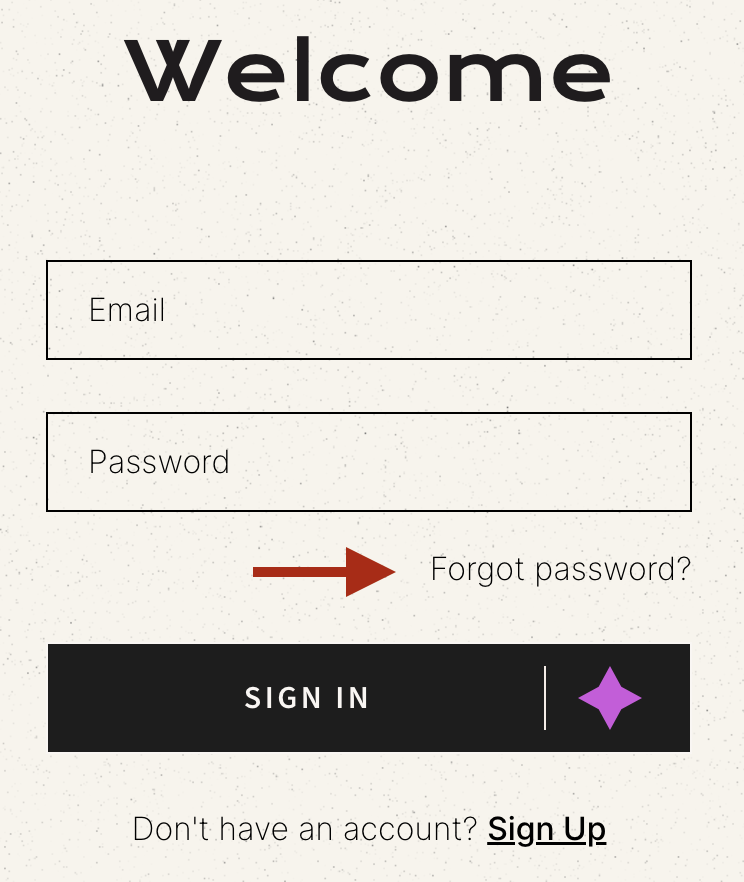
3. Enter the email address associated with your account.
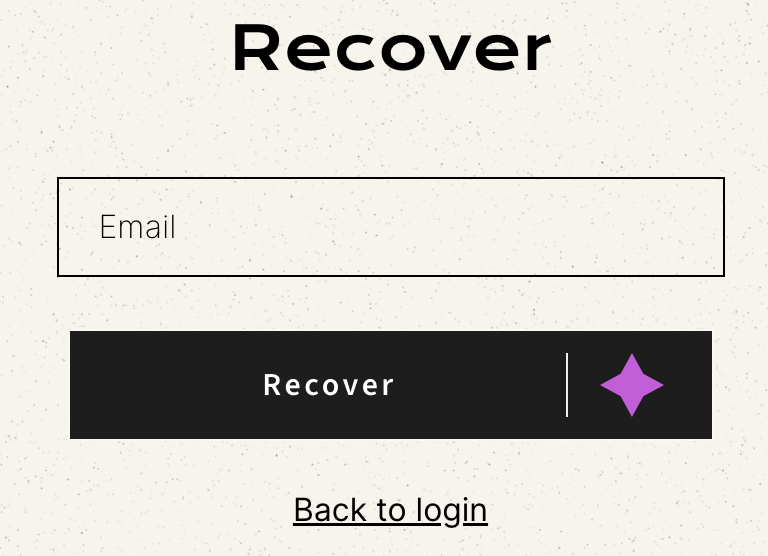
4. Click "Recover". A message will confirm that a password reset email has been sent.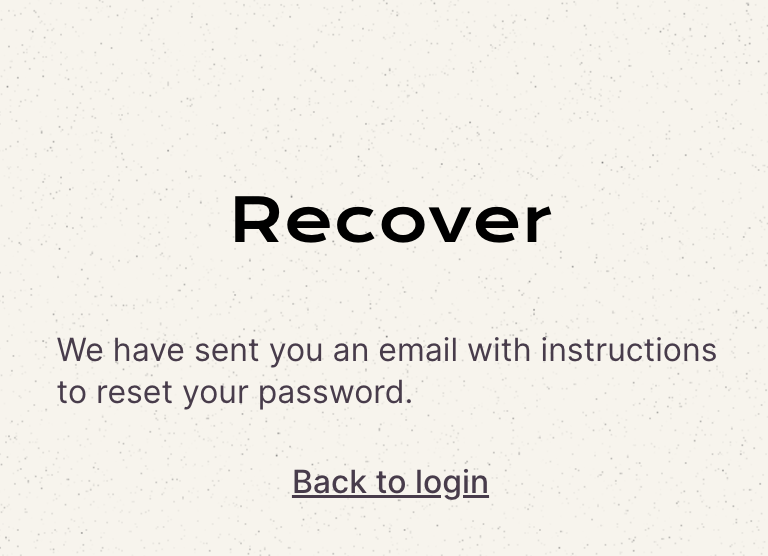
5. Check your email inbox and look for an email from us titled "Customer account password reset" from support@inwardboutique.com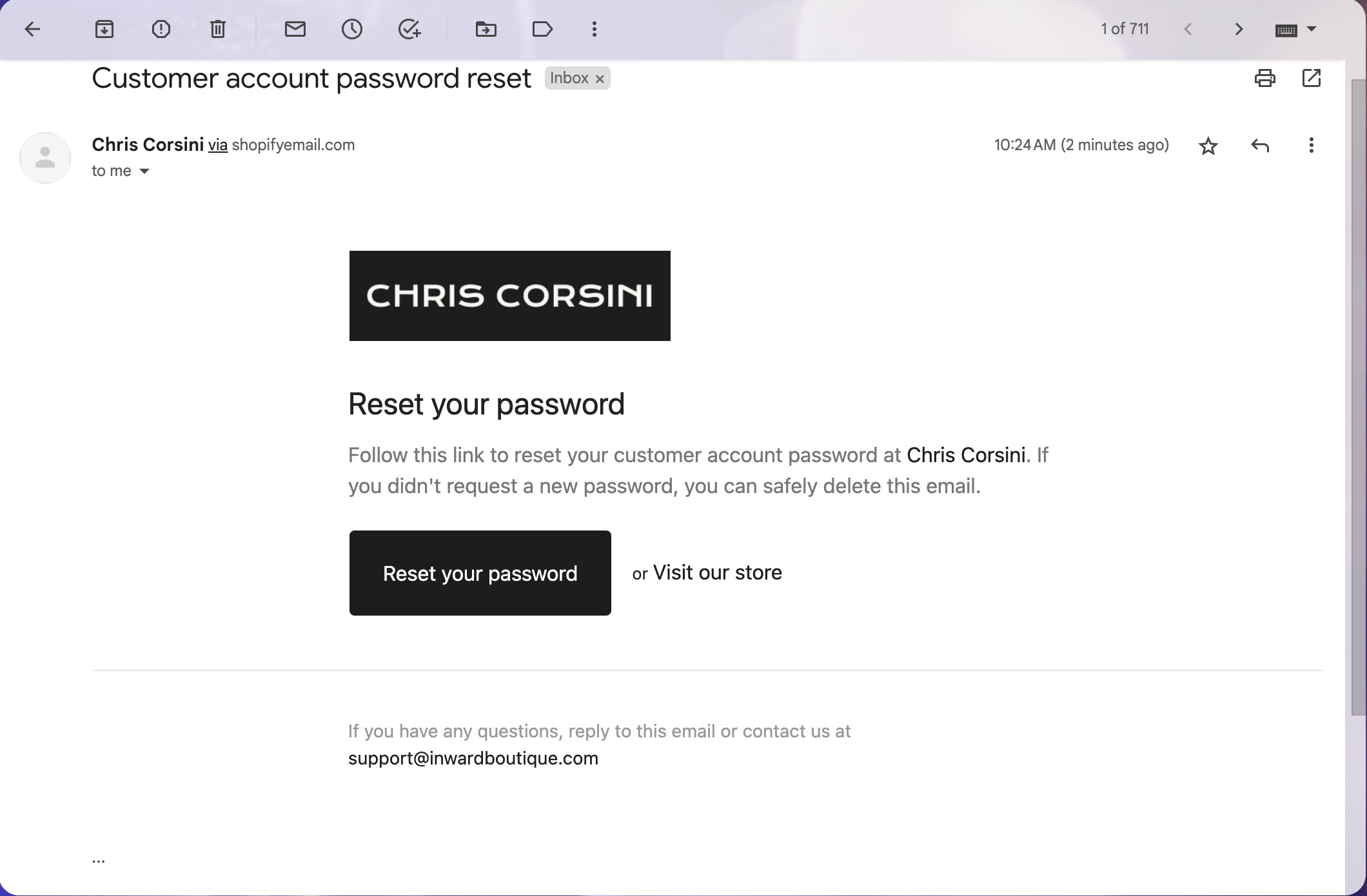
6. You might need to wait a few minutes. If you still don't see it, please check your spam or junk folder.
7. Open the email and click the password reset link to access the reset page.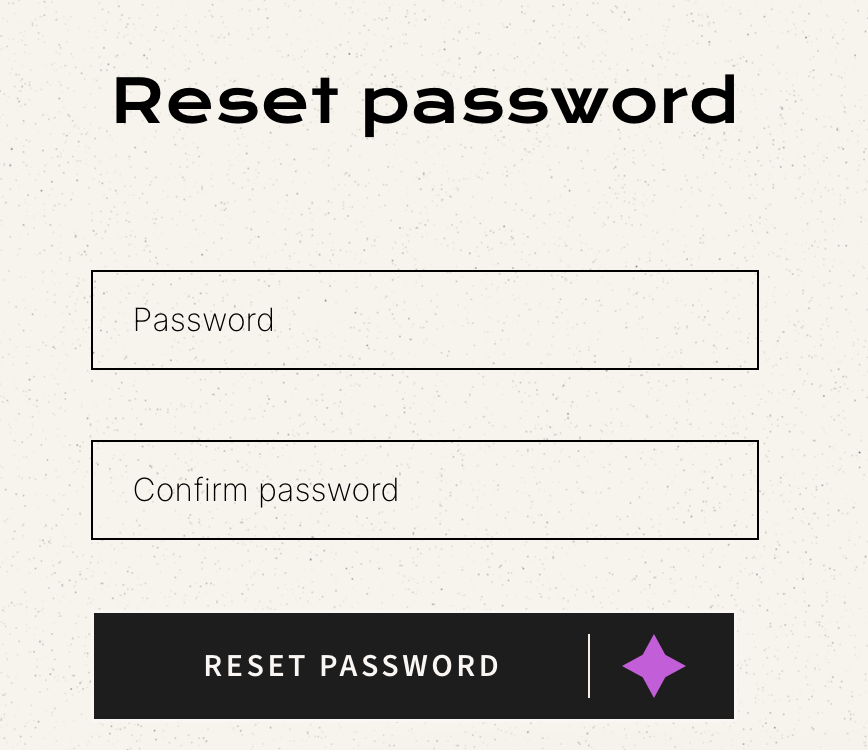
8. Create a new password (minimum of 5 characters)
9. Confirm your new password by entering it again.
10. Click "Reset Password" and you’ll be redirected to your account, and log in with your new credentials.
My Password Reset Email Did Not Arrive
If you requested a password reset but haven’t received an email, here are some possible reasons:
✦ A password was never set up for your account.
✦ Your account was not fully created.
For instance, once you check out and complete a transaction for one of our digital workshops, you may be prompted to Activate Your Account by selecting a password to access your member's area.
Please see the example below: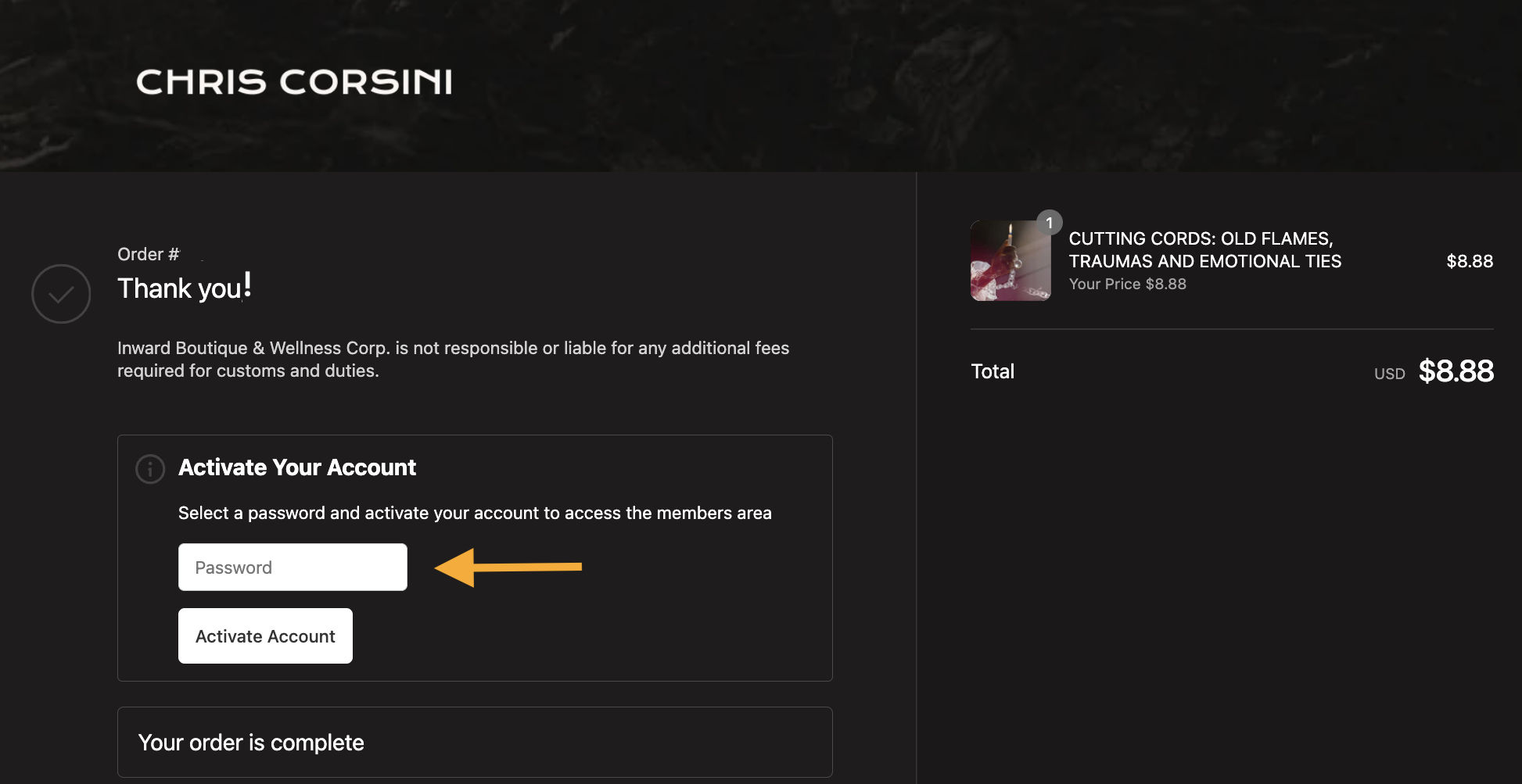
Once your password is established, you will then be able to gain access to your account.
If you encounter any issues during this process, please don't hesitate to contact our Customer Support Team for further assistance.
Was this article helpful?
That’s Great!
Thank you for your feedback
Sorry! We couldn't be helpful
Thank you for your feedback
Feedback sent
We appreciate your effort and will try to fix the article